
Privacy first notes
Notes that stay
on your device,
not on a server.
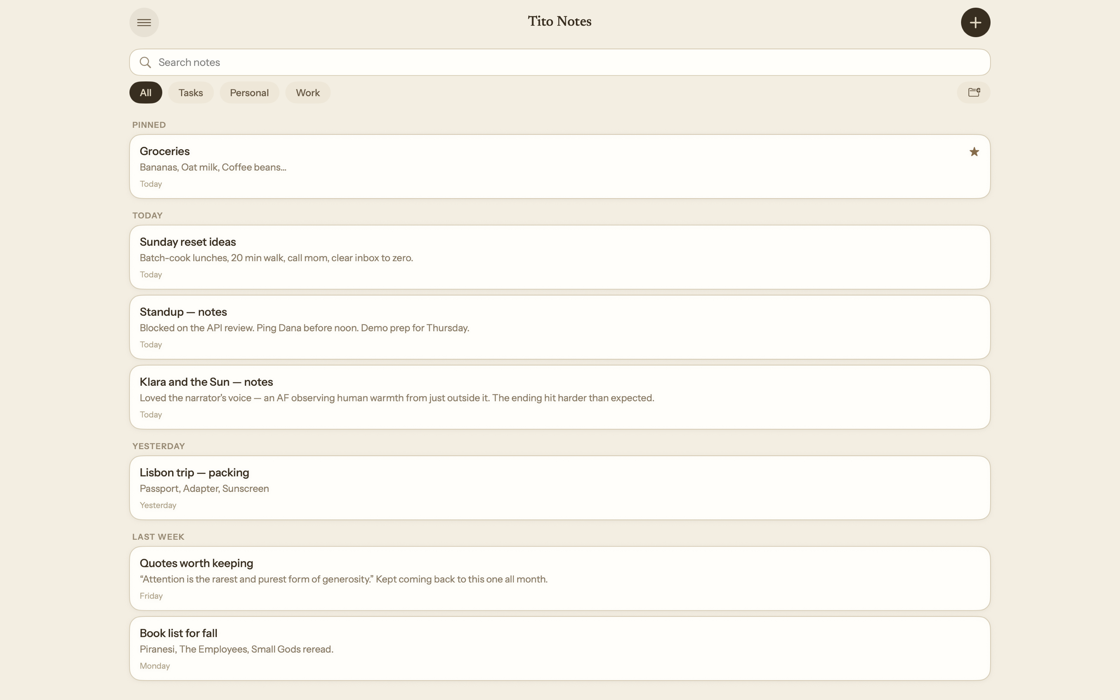
Tito Notes is a notes app for iPhone, iPad and Mac. No account, no tracking, and nothing leaves your device unless you ask it to.
One-time purchase for Pro. No subscription, ever.
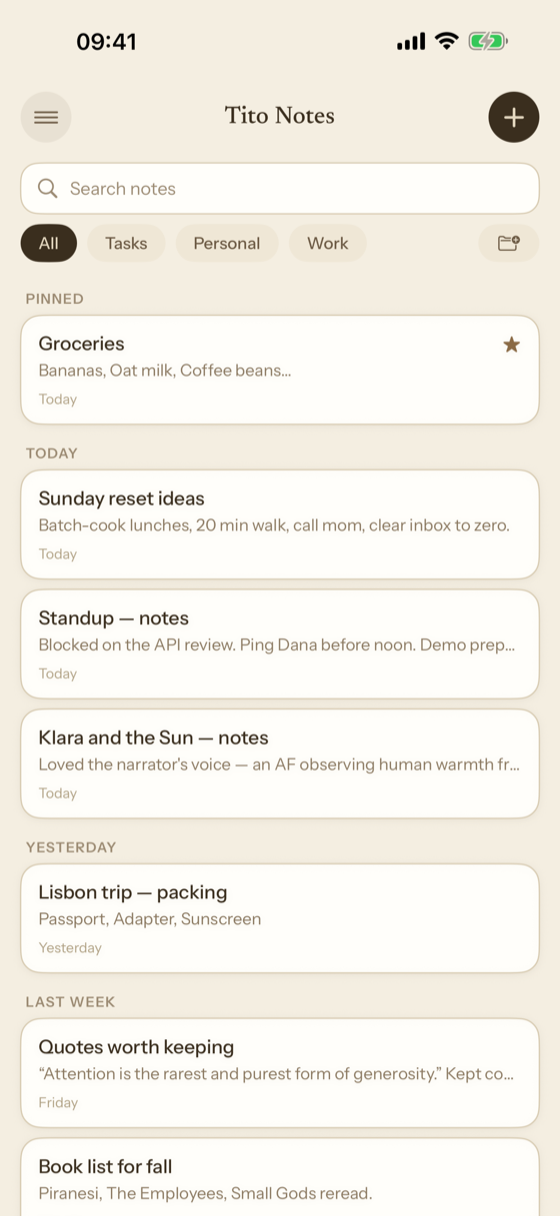
Everything a note can be
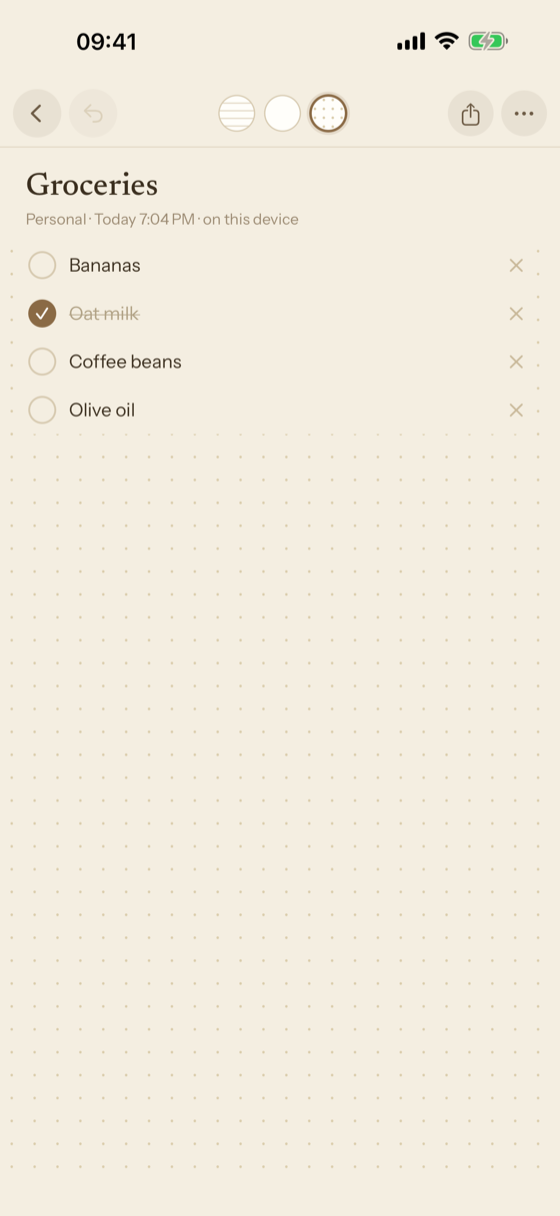
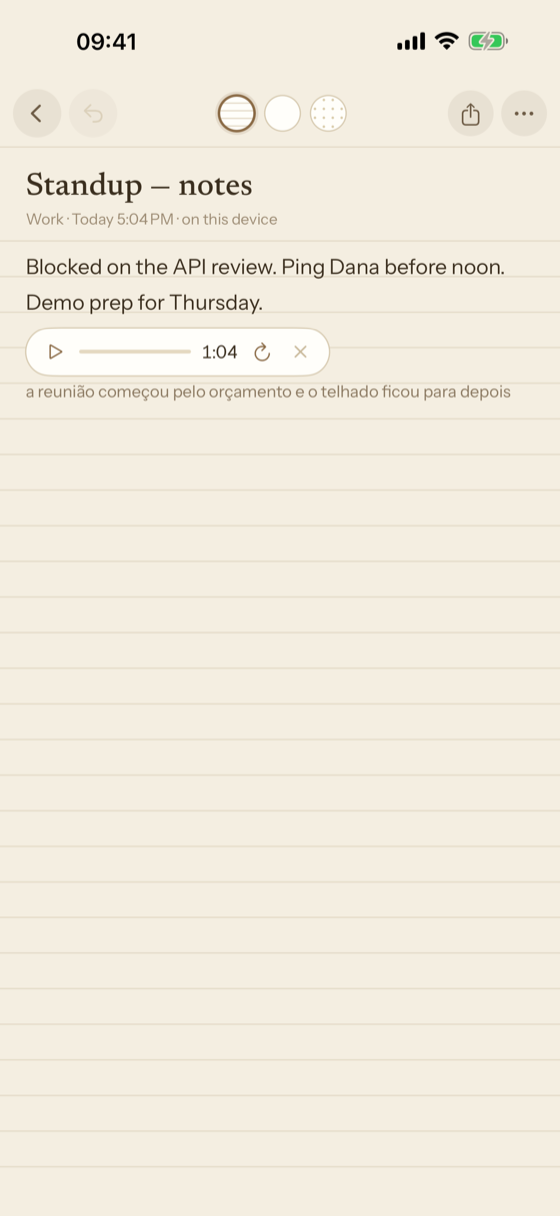
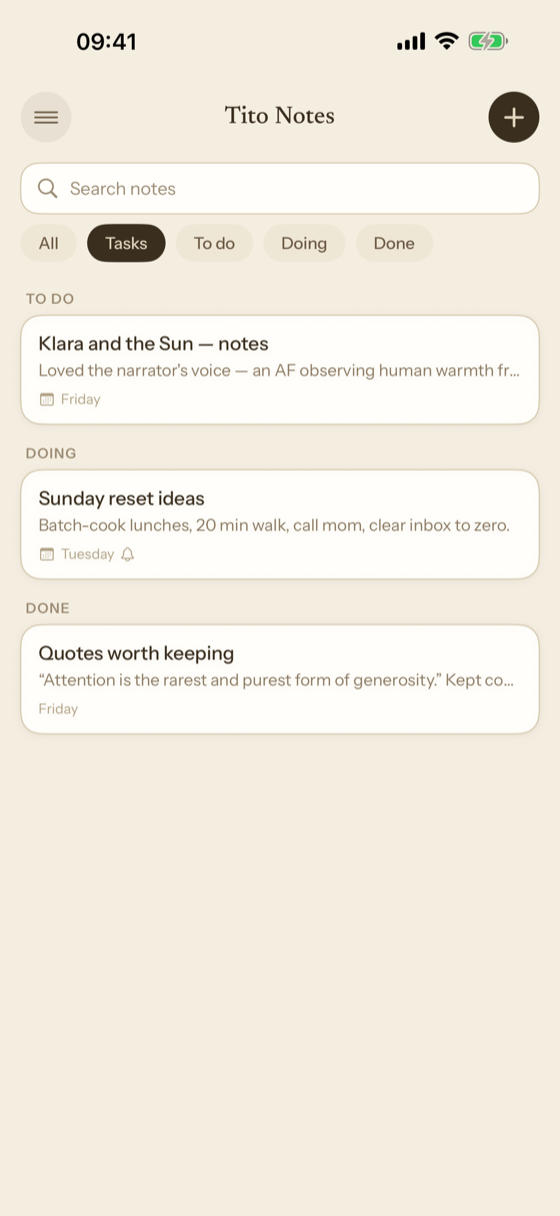
Real writing
Rich text, checklists, tables, photos, videos and files. Three papers: ruled, dotted and plain.
Handwriting
Draw and write with Apple Pencil. Handwriting is found by search too, and that reading also happens on the device.
A real vault
Vault notes are encrypted with a password only you know. The key never leaves the device, and there is no recovery.
Version history
Every note keeps its last versions, on the device. See how it was, and go back.
On the Mac too
Tito Notes is a Mac app in its own right, not a phone app stretched wide: the menu bar, the keyboard shortcuts and the Settings window are the Mac's own. The same notes, the same paper, the same vault.
Sync happens because you asked for it
Sync is off until you turn it on. There is one switch, in Settings, and nothing leaves your device before you touch it.
When you do turn it on, your notes are kept in your own iCloud, under your Apple Account, and they reach your other devices from there — iPhone, iPad and Mac. They never pass through a server of ours, because we do not have one, and we have no way to read them.
Turning it off again stops sending. It does not delete what is already there, and the app says so at the switch rather than leaving you to guess.
Intelligence, only when you ask
No AI reads your notes on its own. Nothing in Tito Notes sends a note, or a word of one, to an AI in the background — only an explicit request of yours does, every time.
Claude, with your own key. It is off until you add an API key from your own Anthropic account in Settings; without one the app is exactly what it was. With a key, the owl brings Claude into the note, and on every request you choose what goes: the selection, the block you are in, or the whole note. What Claude proposes appears in the note as a suggestion, and accepting it is up to you. Vault notes and locked notes are never sent.
Writing Tools. Where Apple Intelligence is available, the system's Writing Tools are in the editor. They are Apple's, follow Apple's privacy rules, and work only on the text you choose — using them is up to you as well.
The price
Up to 10 notes are free. Tito Notes Pro lifts the limit with a single purchase, forever — no subscription, no renewal. The notes you already have stay readable and editable either way, and deleting notes frees room in the free tier.
Privacy you can check
No analytics. No third-party SDKs. No tracking. No advertising. With sync turned off and no Anthropic key added, the app makes no network connection at all. The full policy is here.